Write your way
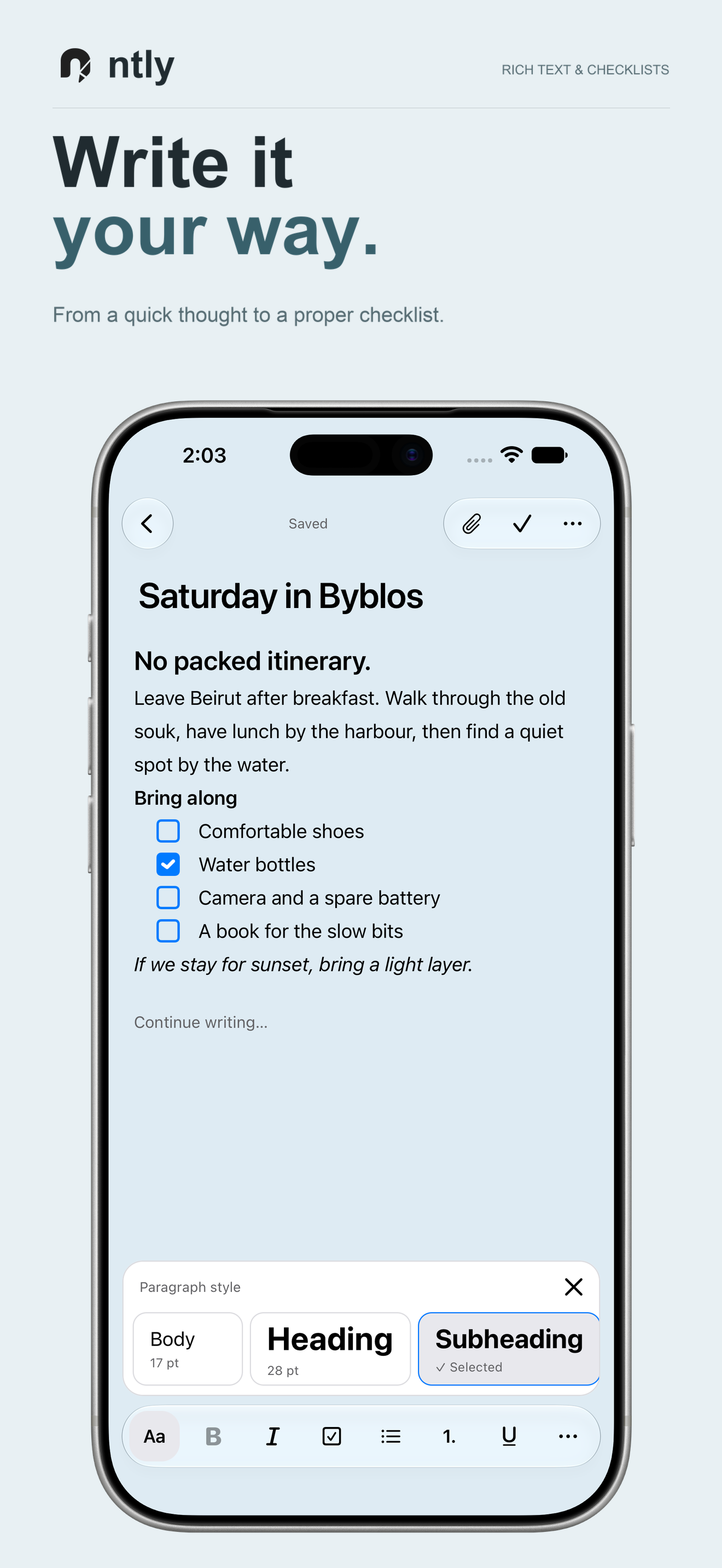
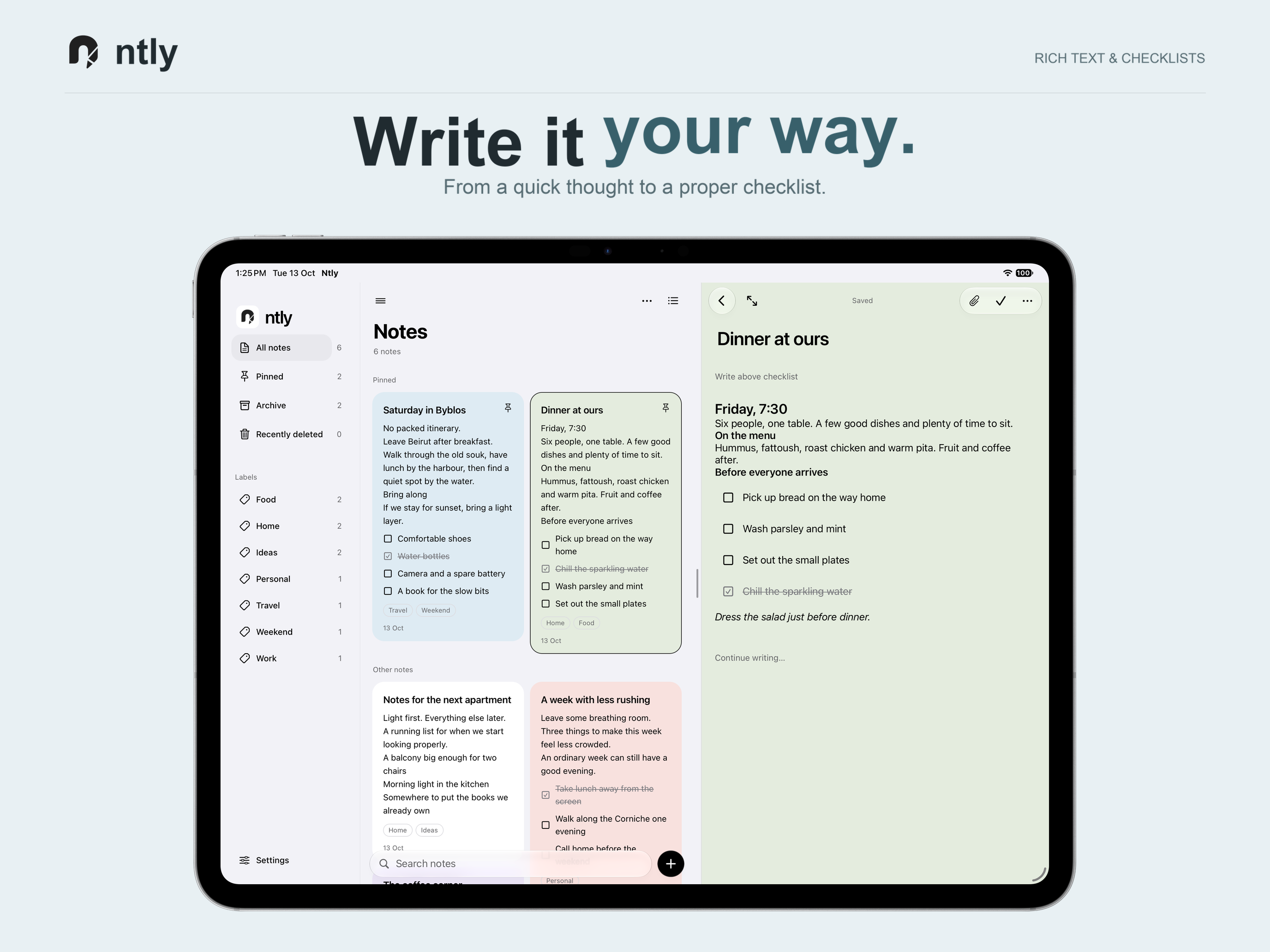
Use rich text, headings, links, checklists, code and quotations. Add photos and files, and switch between grid and list views.

Notes & lists
App Store, web & AndroidA little room to think.
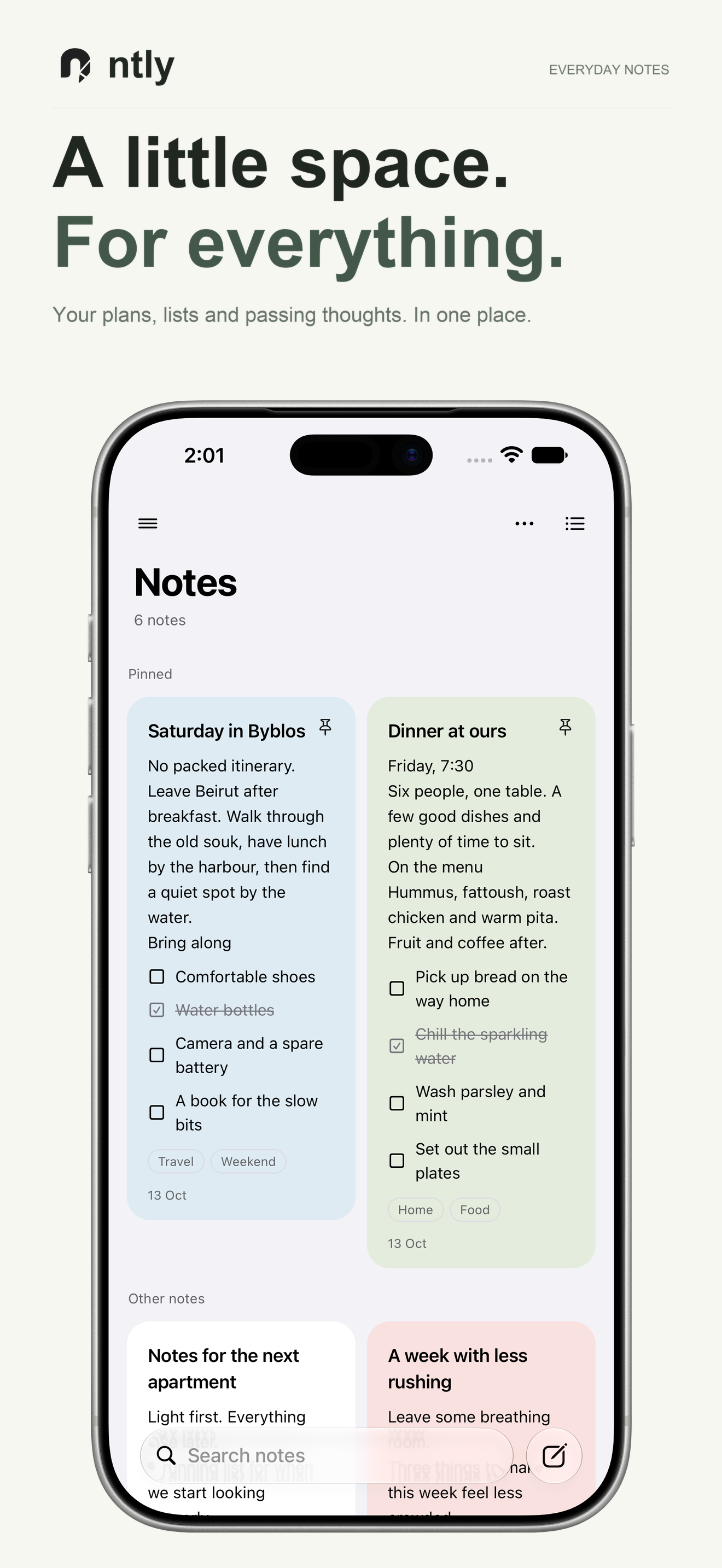
Write a thought, make a checklist, and keep things organized. Your notes are encrypted on your device, without an l2ita account or automatic sync.
Free to use. Available for iPhone and iPad on the App Store, Android and the web.
Download the APK for direct installation. Keep an encrypted backup before installing updates. Installation and update help.
File SHA-256
157c2961b8ba5caa23c94b245e24b3111e6aeaba0efab114dc6a2b75da74d714Use rich text, headings, links, checklists, code and quotations. Add photos and files, and switch between grid and list views.
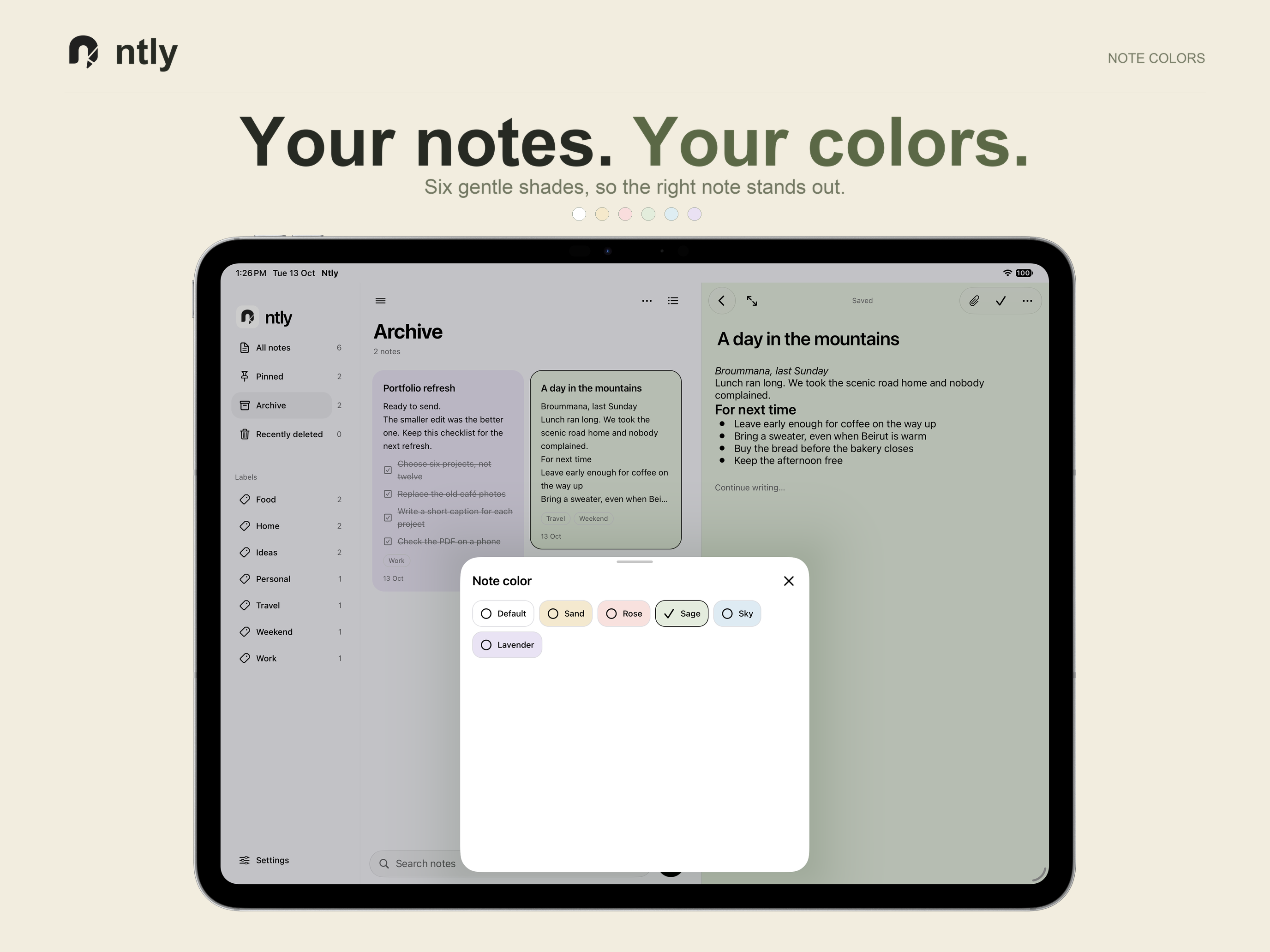
Search your notes, add labels and colors, pin favorites, or move older notes to Archive.
Save an encrypted backup and preview it before restoring. Notes in Recently deleted can be restored until you permanently delete them.
Unlock encrypted notes and attachments with your password or recovery phrase. Save the recovery phrase somewhere safe, outside Ntly.
Use the web app offline after its initial setup. Ntly saves your edits locally, including when you are offline.
Back up manually to Google Drive or save an encrypted file to a destination you choose. The iPhone and iPad apps also include an iCloud Drive connection.